Keep
bad food
away.
Save the restaurants and grocery aisles that trip you up. Burger Blocker watches in the background and reaches out the moment you get close — before the craving makes the call for you.

The autopilot problem
The craving wins before you decide.
You don't choose the drive-thru. You're just driving past it — and somehow you're already in line.
Bad food habits run on routine and geography. The same handful of places, the same routes, the same weak moments. By the time you notice, you've already pulled in.
Burger Blocker breaks the loop with a simple idea: watch the places, not your willpower. You save the spots that trip you up once, and the app does the watching — so the reminder arrives exactly when and where you need it.
Save the spots that trip you up
Tap a place and Burger Blocker scans the area, surfacing the fast-food chains and grocery stores nearby — McDonald's, Wendy's, KFC, Popeyes, the works.
Add the ones you want to avoid in a couple of taps. Each becomes a watched trigger zone.

Get close, get called
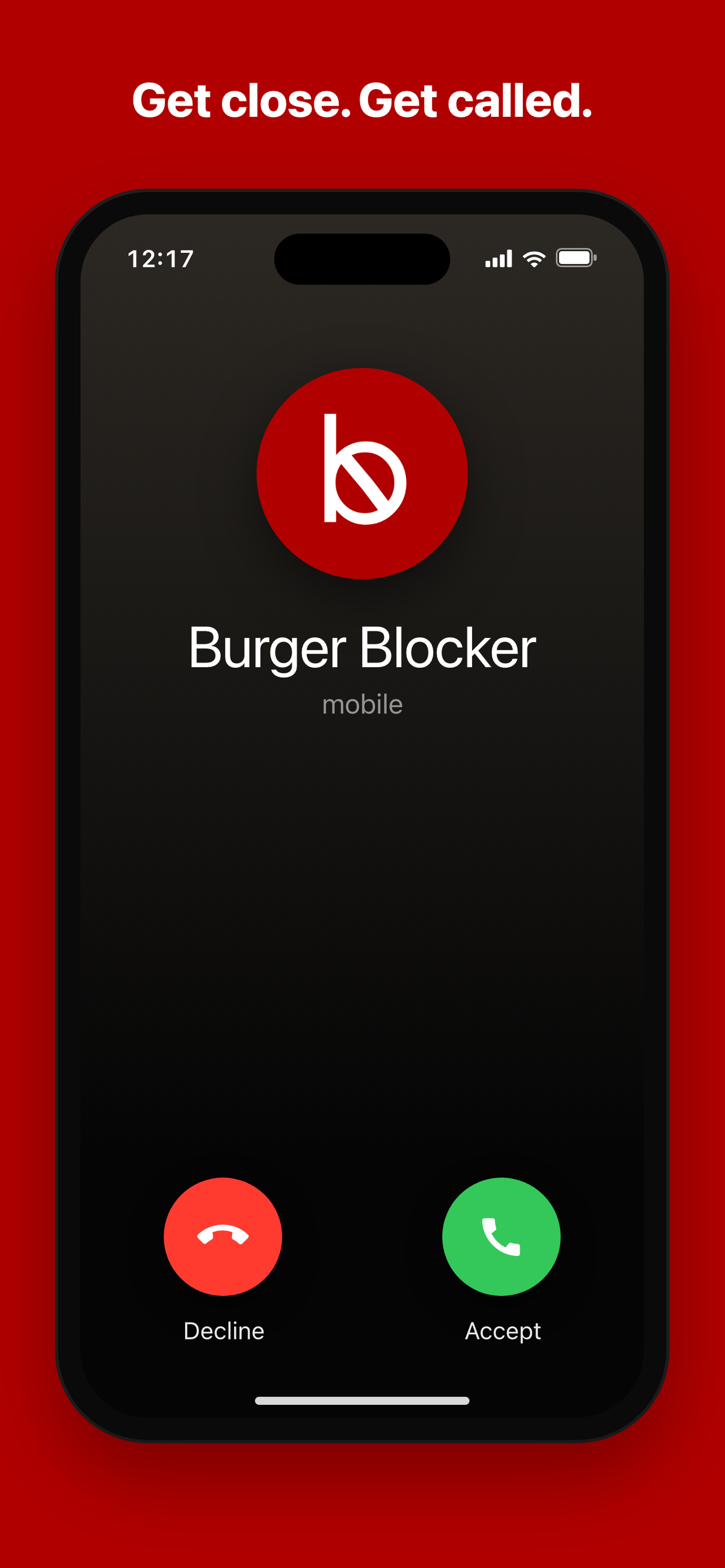
When you arrive at — or approach — a place you've saved, your phone rings. An incoming call from Burger Blocker, right on the lock screen, at the one moment a reminder actually lands.
It works in the background, even when the app is closed. No willpower required to remember.
A Plan B, right when you need it
Answer the call and Burger Blocker doesn't just nag — it gives you a way out. A short message that points you somewhere better: the quick curry place down the block, the salad two minutes away.
A nudge plus an alternative beats a guilt trip every time.
Write your own escape plan
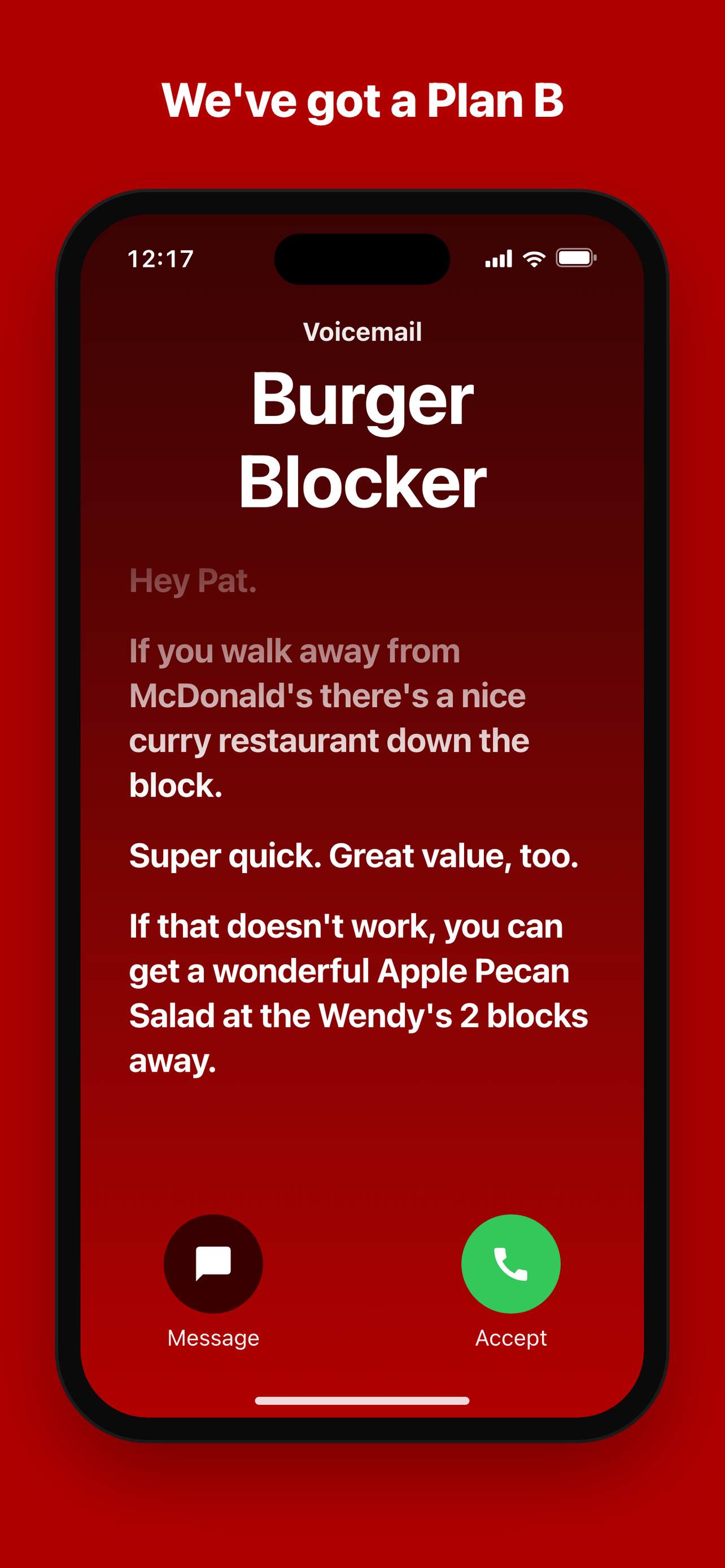
You know your weak spots better than anyone. For each saved place, write the exact plan you want to hear — and choose whether it reaches you as a call or a text.
Toggle alerts on or off per place, anytime. It's your strategy, automated.
Not just burgers.
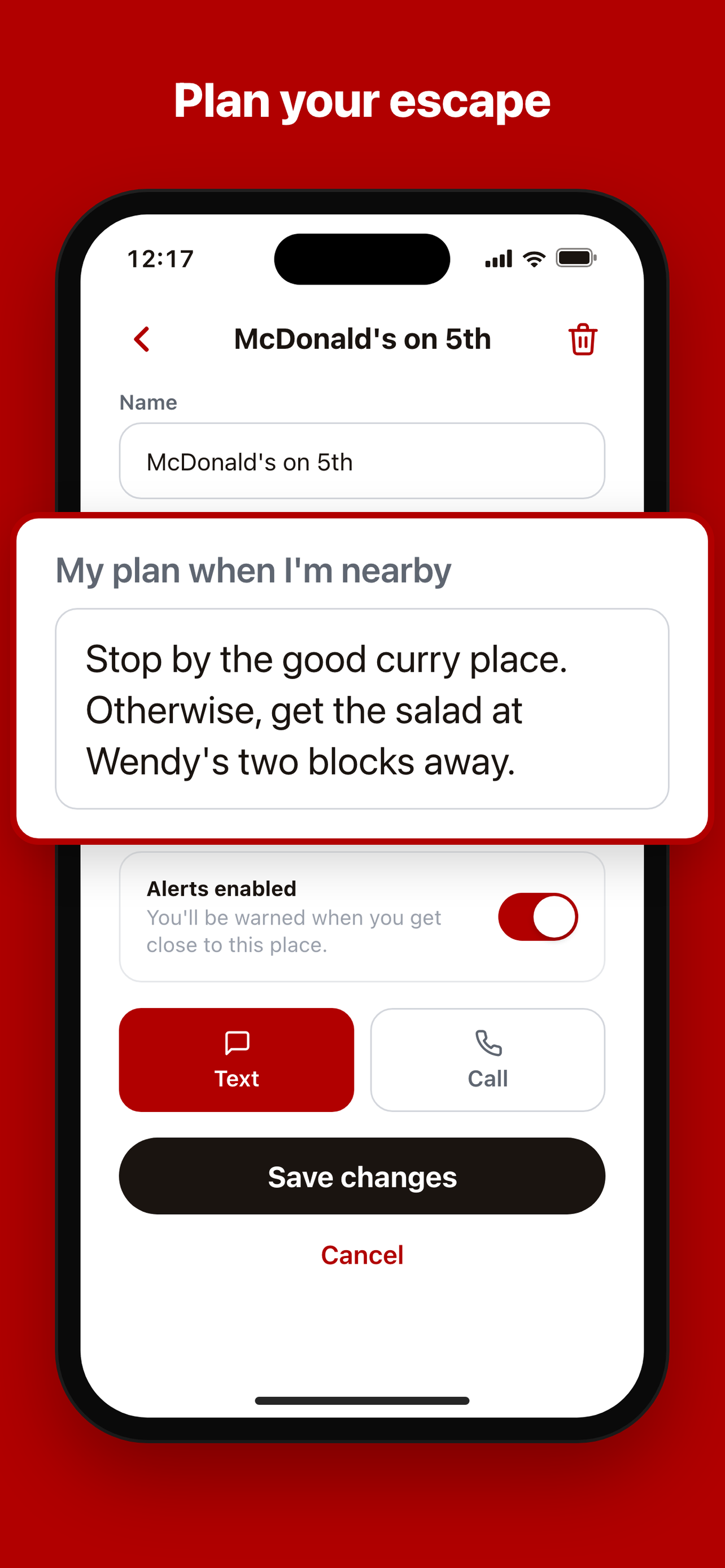
The grocery run derails plenty of good intentions too. Save the stores where the chips-and-soda aisle calls your name, and Burger Blocker meets you at the door with a reminder to stick to the list — and a better swap when you need something fizzy.
Setup
Up and running in three steps
-
1
Save your triggers
Scan an area and add the restaurants and grocery stores you want to steer clear of.
-
2
Allow background location
So the app can watch for your saved places even when it's closed. That's the whole engine.
-
3
Live your day
Burger Blocker stays quiet until you're near a trigger — then it calls or texts with your plan.

Be first to keep bad food away.
Burger Blocker is coming to iPhone. Join the waitlist and we'll let you know the moment it's ready.